Reference·Command lineIndexClose
Command line
Every nodecode command and option, the rules for combining them, and the exit codes.
nodecode --help prints the whole line. The comes first. Then the and the . The says how to read one command.
Commands
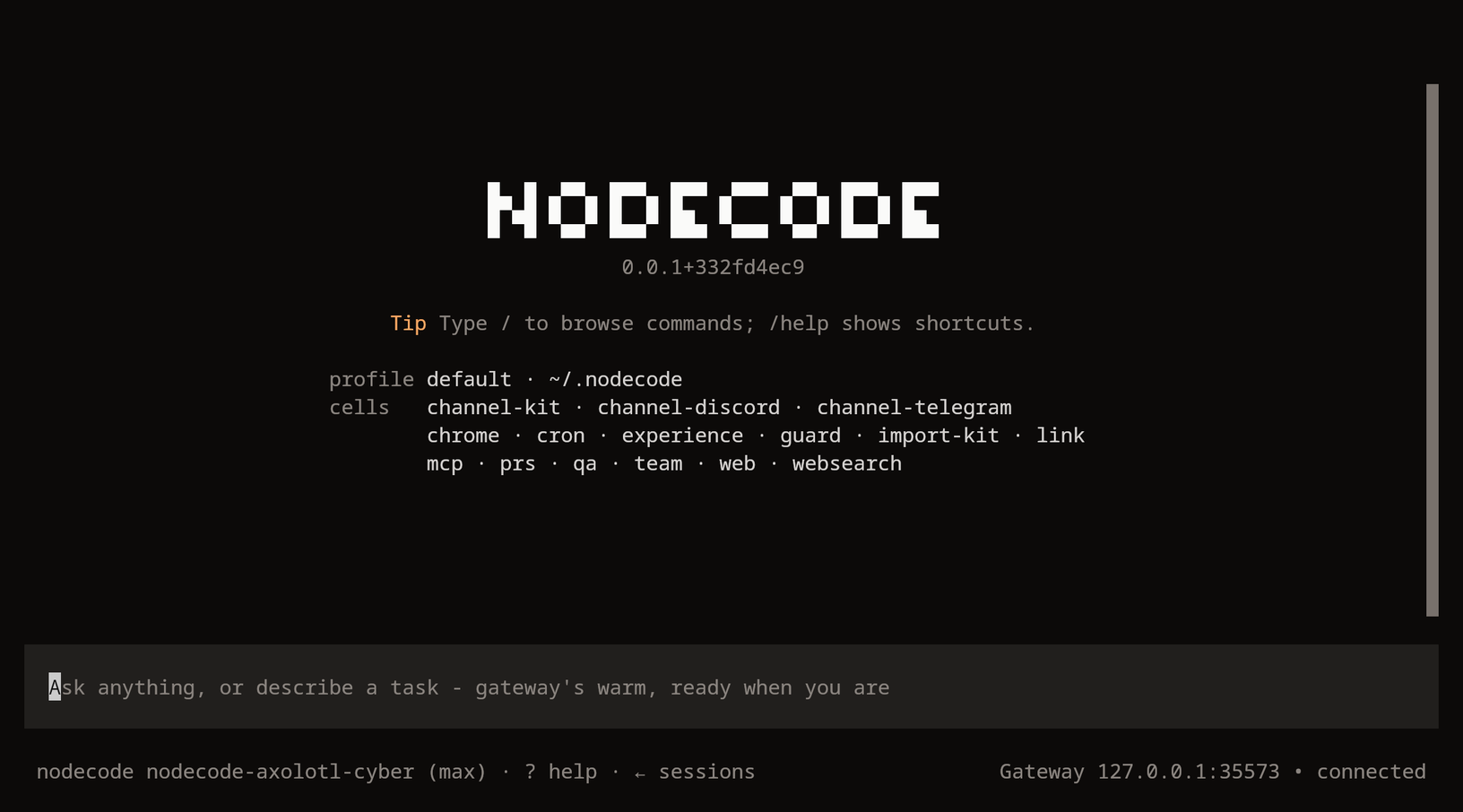
Terms: the organism is a running Nodecode. The shell is the terminal UI. The home is ~/.nodecode/. The gateway is the local server that shells attach to. The layer is the set of definitions the agent wrote and kept. A cell is a folder of code under ~/.nodecode/cells/.
trial, warm and warm-dump are internal. Help does not list them.
Starting nodecode from cron, a pipe or ssh without -t
It exits with code 2. nodecode needs a terminal (no controlling tty); run it in one.
Instead: Use a terminal or ssh -t. With no terminal at all, run nodecode serve, or nodecode gateway on on Linux and macOS.
Putting --store or --ephemeral in front of add, profile, gateway, update or web
Those five take the rest of the line as their own. Exit code 2. nodecode: add is a command of its own: nodecode [-p NAME] add ...
Instead: Only -p NAME goes in front of them: nodecode -p work add nc://web.
Options
| Option | Does |
|---|---|
-p NAME, --profile NAME | Runs profile NAME. Read anywhere on the line. One per launch. |
--store PATH | Runs on the store at PATH. |
--ephemeral | Runs on a throwaway store at $TMPDIR/nodecode-ephemeral-<pid>.db. |
-h, --help | Prints help. After a command, prints that command's help. |
--version | Prints nodecode VERSION. |
--ephemeral replaces the store only. Channel adapters do not start.
Reaching for --ephemeral for a clean start
Only the store is new. Config, layer, memory and skills stay the profile's. New definitions still go to the real layer.
Instead: Use a throwaway home: HOME=$(mktemp -d) nodecode.
Two -p on one line
Exit code 2. nodecode: -p names a second profile, play; a launch runs one
Instead: One profile per launch. Run the other in its own terminal.
--version in front of a command
It answers and exits. nodecode --version add nc://web prints the version and installs nothing.
Instead: Ask for the version on a line of its own.
Which home runs
First match wins:
-p NAME$NODECODE_HOME- The profile named in
~/.nodecode/active-profile ~/.nodecode/
Nodecode exports the chosen home to child processes as NODECODE_HOME. See Profiles.
-p with a profile you have not made
Exit code 2. nodecode: no profile "ghost". "nodecode profile create ghost" makes one.
Instead: Run the line it names, then nodecode -p ghost.
A capital or a dot in a profile name
Refused before anything starts. nodecode: "Bad.Name" is not a profile name: a-z, 0-9, _ and -, 64 at most, starting with a letter or digit
Instead: Lower case and hyphens: bad-name.
Setting $NODECODE_HOME and keeping -p on the line
-p wins. The variable is read only when no -p is given.
Instead: Use one of the two.
import
nodecode import [WORLD] [--source PATH] [--only KINDS] [--dry-run] [--overwrite] [--keep-running] [--yes]
| Word | Values |
|---|---|
| WORLD | hermes, codex, claude, opencode, cursor, gemini, qwen, pi, crush, cline, windsurf, kiro, dotagents, openclaw, commandcode |
| KINDS | providers, instructions, memory, skills, mcp, channels, cron, sessions, profiles |
Importing to replace what is already here
An existing fact here always wins.
Instead: Add --overwrite.
Importing while another gateway answers the same bots
That gateway is stopped and disabled, so the bots answer from here. The report names the command that gives them back.
Instead: --keep-running leaves it running. Its bots land off here and come on once it stops.
--yes on the first run
It applies without the preview, keys and tokens with it.
Instead: Run it once without --yes. The preview opens in the setup walk.
add
nodecode add nc://NAME [--yes]
A shipped cell installs with no question. A hub cell prints its , the and , then .
| Fact | Detail |
|---|---|
| NAME | The cell's name. The nodecode- prefix is optional. The nc:// prefix is optional too. |
--yes | Answers yes on the line. |
No terminal, no --yes | Nothing is installed. Exit code 1. |
| Organism running | The cell turns on live, in every attached shell. |
| No organism running | The cell loads at the next launch. |
add in a script, without --yes
With no terminal to ask, nothing is installed. Exit code 1. nodecode: channel-slack is code from the hub and there is no terminal to ask: nothing was installed; add --yes to install it
Instead: Read the repository at the pinned commit first. Then put --yes on the line.
A misspelt name
Exit code 1. nodecode: no cell "websarch" is shipped or on the hub. Did you mean "websearch"?
Instead: Take the name it offers. Every cell is on the Cells tab.
Answering y without opening the repository
Hub code runs inside Nodecode with full access to your files and keys.
Instead: Open the repository at the commit it prints. Answer after. See Cells.
profile
| Verb | Arguments |
|---|---|
list | none. The default with no verb. |
use | NAME |
switch | NAME |
create | NAME [--blank | --clone-all] [--from NAME] [--description TEXT] |
delete | NAME [--yes] |
export | NAME PATH [--whole] |
import | PATH [--name NAME] |
install | URL [--name NAME] |
update | NAME |
help | [VERB] |
What each verb does: Profiles.
Deleting a profile to start it over
delete removes its whole home: store, layer, memory and secrets.
Instead: Make an empty one beside it: nodecode profile create fresh --blank.
gateway
| Verb | Does |
|---|---|
status | Prints the gateway's state. The default with no verb. |
on | Writes the unit, enables it and starts it. |
off | Stops it, disables it and removes the unit. |
restart | Restarts it on this build with the current config. |
logs [--follow | -f] | Prints the last 60 log lines. --follow keeps printing. |
run | Runs the gateway in the foreground. The unit runs this. |
help [VERB] | Prints help. |
Detail: Gateway and Operations.
nodecode gateway on on Windows
Windows has no background gateway.
Instead: Run nodecode serve in a terminal you leave open.
update
nodecode update [VERSION] [--check]
| Form | Does |
|---|---|
nodecode update | Moves to the channel's latest release. |
nodecode update VERSION | Moves to that release. |
nodecode update --check | Stages and classifies the release. Applies nothing. |
Detail: Updates.
--check to update
It stages and classifies the release. It applies nothing.
Instead: nodecode update.
web
nodecode web
Prints http://127.0.0.1:PORT/web/#t=TOKEN. Opens it when a display exists.
| Refusal | Fix |
|---|---|
| Nodecode is not running for this home | Run nodecode or nodecode gateway on. |
| The web cell is not installed | Run /setup, pick Choose, mark web. |
| The web cell is installed but not loaded | Restart the organism. With the gateway: nodecode gateway restart. |
Pasting the link into a chat or an issue
The link carries the operator token, after the #.
Instead: Keep the link to yourself.
resume
nodecode resume SESSION-ID [--store PATH]
The shell prints the resume line when it exits. See Sessions.
resume from a script or a pipe
Exit code 2. nodecode resume needs a terminal (no controlling tty); run it in one.
Instead: Run it in a terminal.
Lines it refuses
--ephemeral belongs to a shell. A headless organism names its store.
nodecode --ephemeral servenodecode: --ephemeral is a shell's flag: a headless owner names its store with --store PATHInstead: nodecode serve --store PATH
nodecode --ephemeral resume s-1NXO4JMWnodecode: --ephemeral cannot resume: a fresh store has no session; resume one with --store PATHInstead: nodecode resume s-1NXO4JMW --store PATH
nodecode --ephemeral --store PATHnodecode: --ephemeral chooses the store; --store PATH names one yourselfInstead: One of the two.
nodecode setup servenodecode: setup is a shell's verb: a headless owner has no wizardInstead: nodecode setup, in a terminal.
nodecode --store PATH add nc://webnodecode: add is a command of its own: nodecode [-p NAME] add ...Instead: nodecode add nc://web
nodecode -p work -p playnodecode: -p names a second profile, play; a launch runs oneInstead: One -p per launch.
nodecode -p ghostnodecode: no profile "ghost". "nodecode profile create ghost" makes one.Instead: nodecode profile create ghost
nodecode resumenodecode: resume needs a SESSION-IDInstead: nodecode resume SESSION-ID
nodecode servvenodecode: no command "servve". Did you mean "serve"?Instead: The word it names.
Each of these exits 2, and ends on one more line: Run "nodecode --help" to see every command.
import with serve is refused as setup is.
| Not refused | Result |
|---|---|
--help, or --version ahead of a command | Answers and exits. Nothing else runs. |
gateway run | Parsed as a headless launch that waits for the store. |
A profile name is a-z, 0-9, _ and -. It starts with a letter or digit. It has at most 64 characters.
Exit codes
help and --version.exit 0add, update, web, profile or gateway request.exit 1A refusal goes to stderr. An answer goes to stdout.